

Help Center
Tutorials, guides, and documentation to help you get the most out of UCharts.
VideoGetting StartedPaper Trading
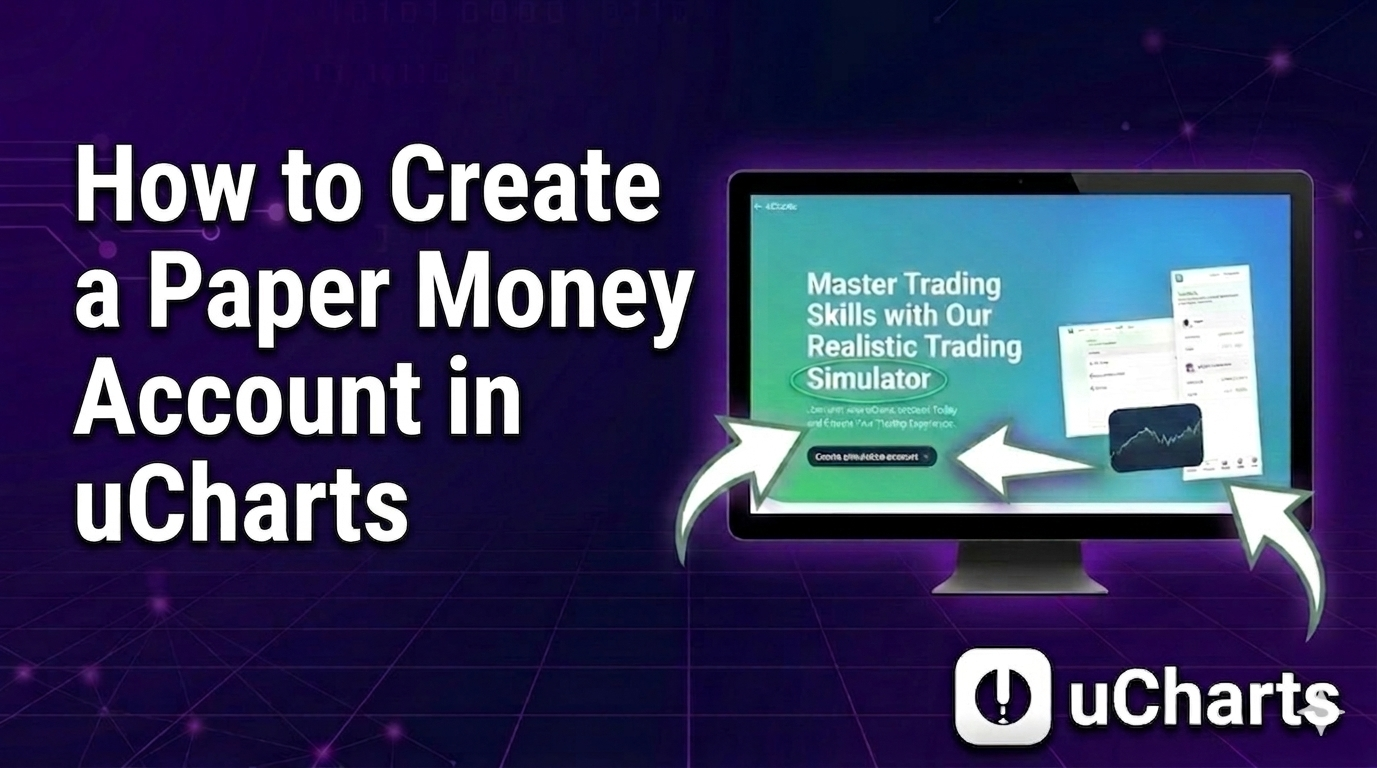
How to Create a Paper Money Account in uCharts
Learn step by step how to create a simulation account in uCharts and start practicing with real market data.
1 min read·Feb 18, 2026
VideoPaper Trading
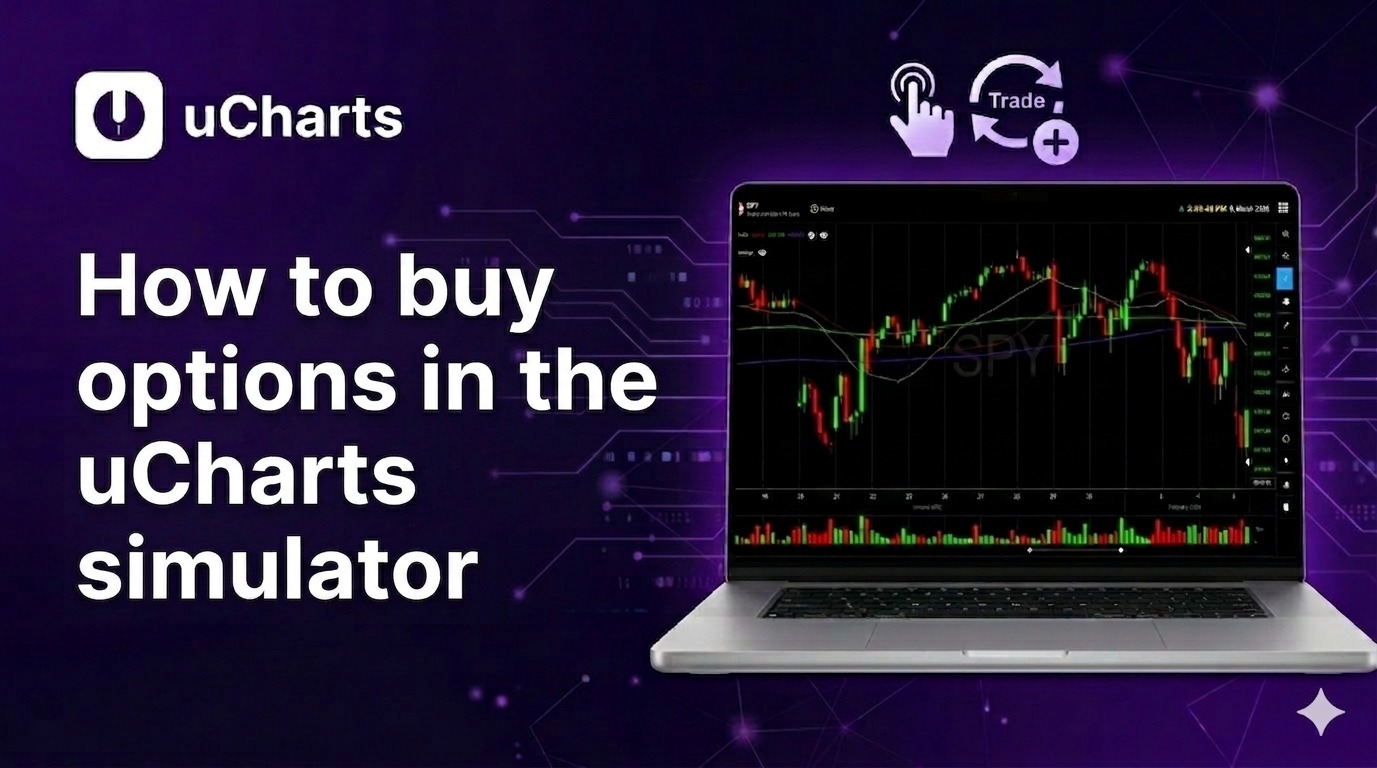
How to buy options in the uCharts simulator
A step-by-step guide to placing an options buy order — from selecting the symbol to executing the purchase in the simulator.
2 min read·Feb 18, 2026
VideoCharts & Analysis
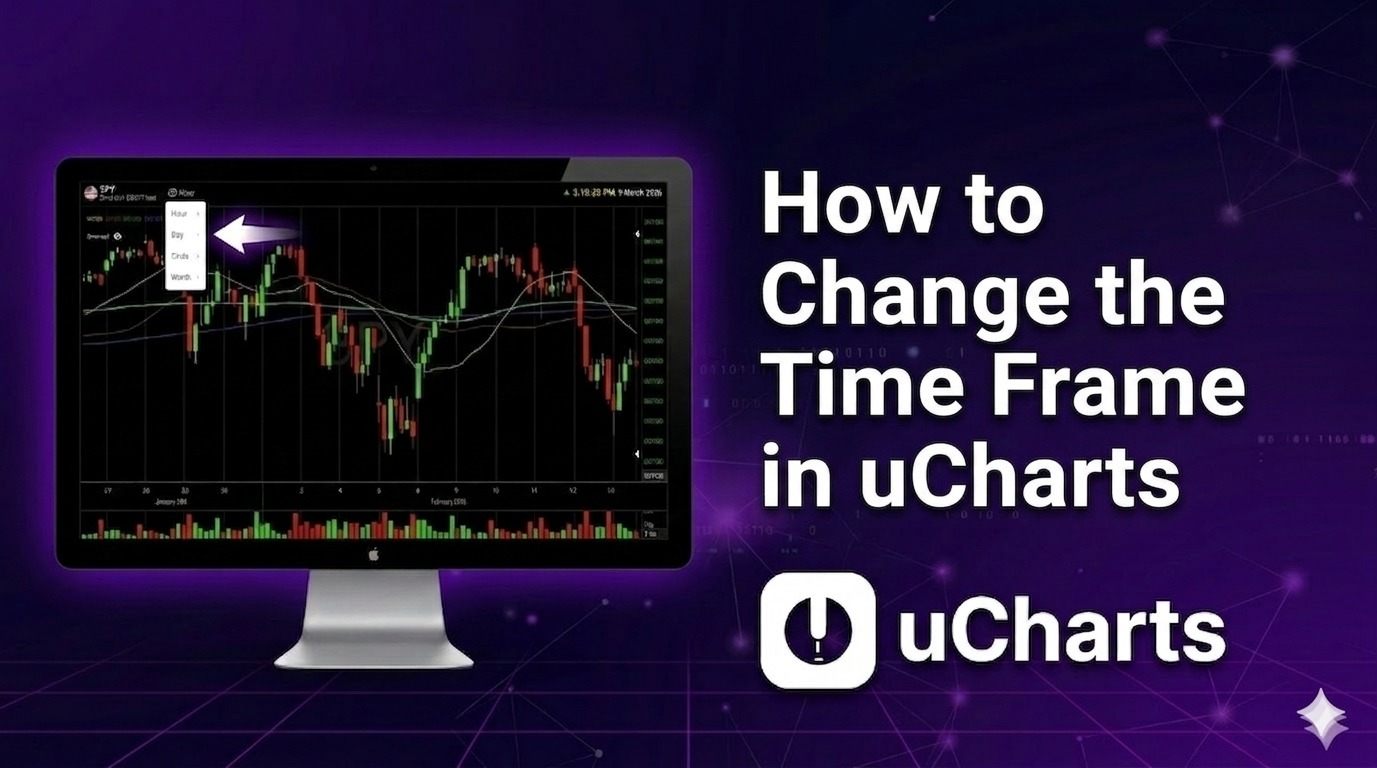
How to Change the Time Frame in uCharts
Learn how to switch between different time intervals — hour, day, week, or month — to analyze market movements.
2 min read·Feb 18, 2026
VideoPaper Trading
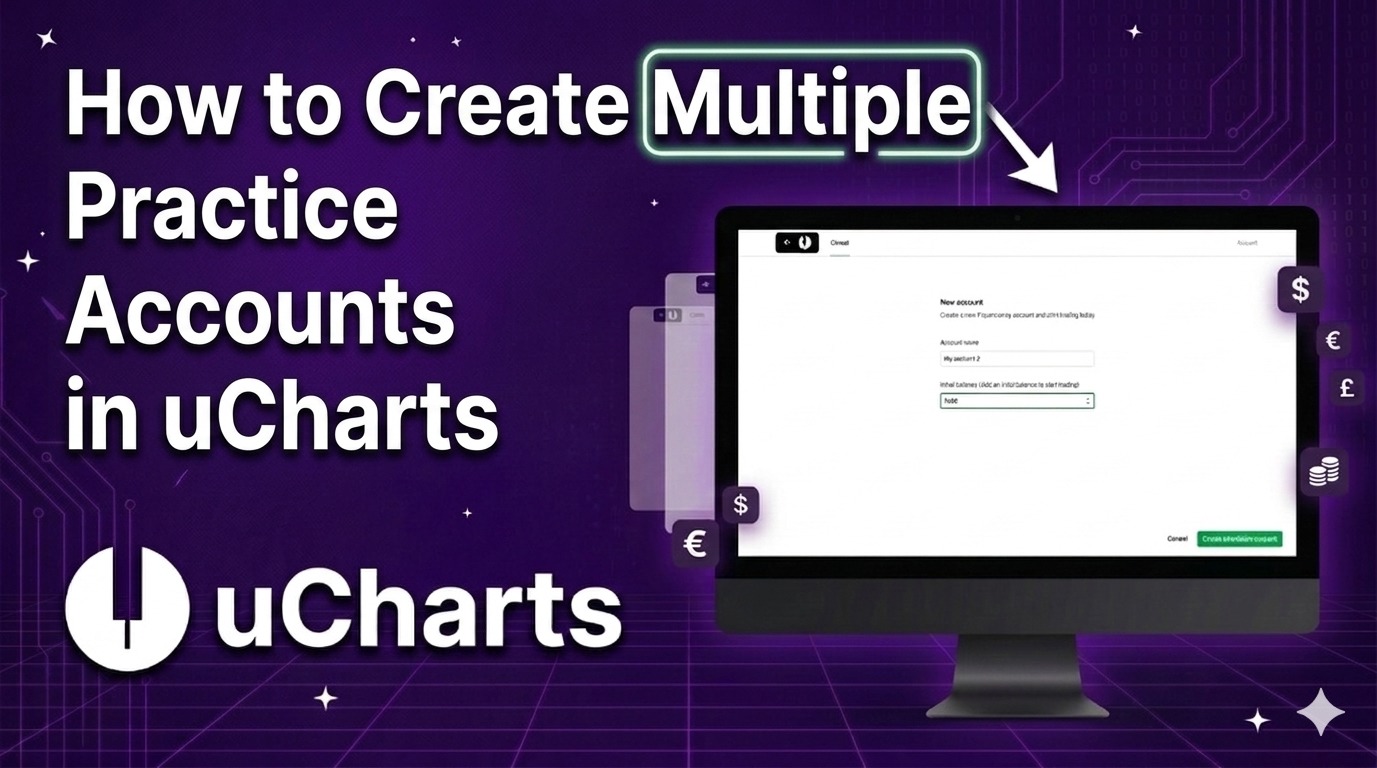
How to Create Multiple Practice Accounts in uCharts
Discover how to set up multiple simulation accounts to organize and test different trading strategies independently.
1 min read·Feb 18, 2026
VideoPaper Trading
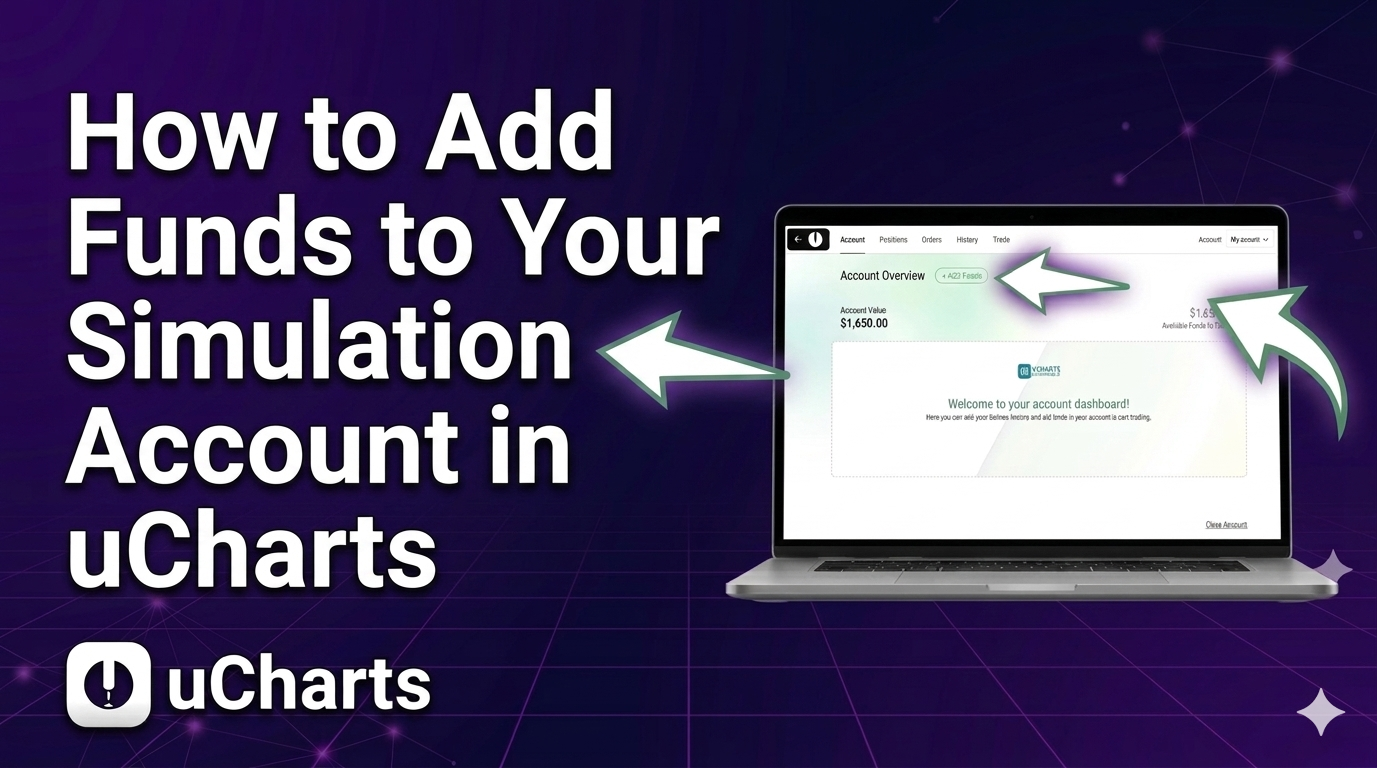
How to Add Funds to Your Simulation Account in uCharts
Learn how to increase the virtual capital of your simulation account to keep practicing and testing strategies.
1 min read·Feb 18, 2026
VideoPaper Trading
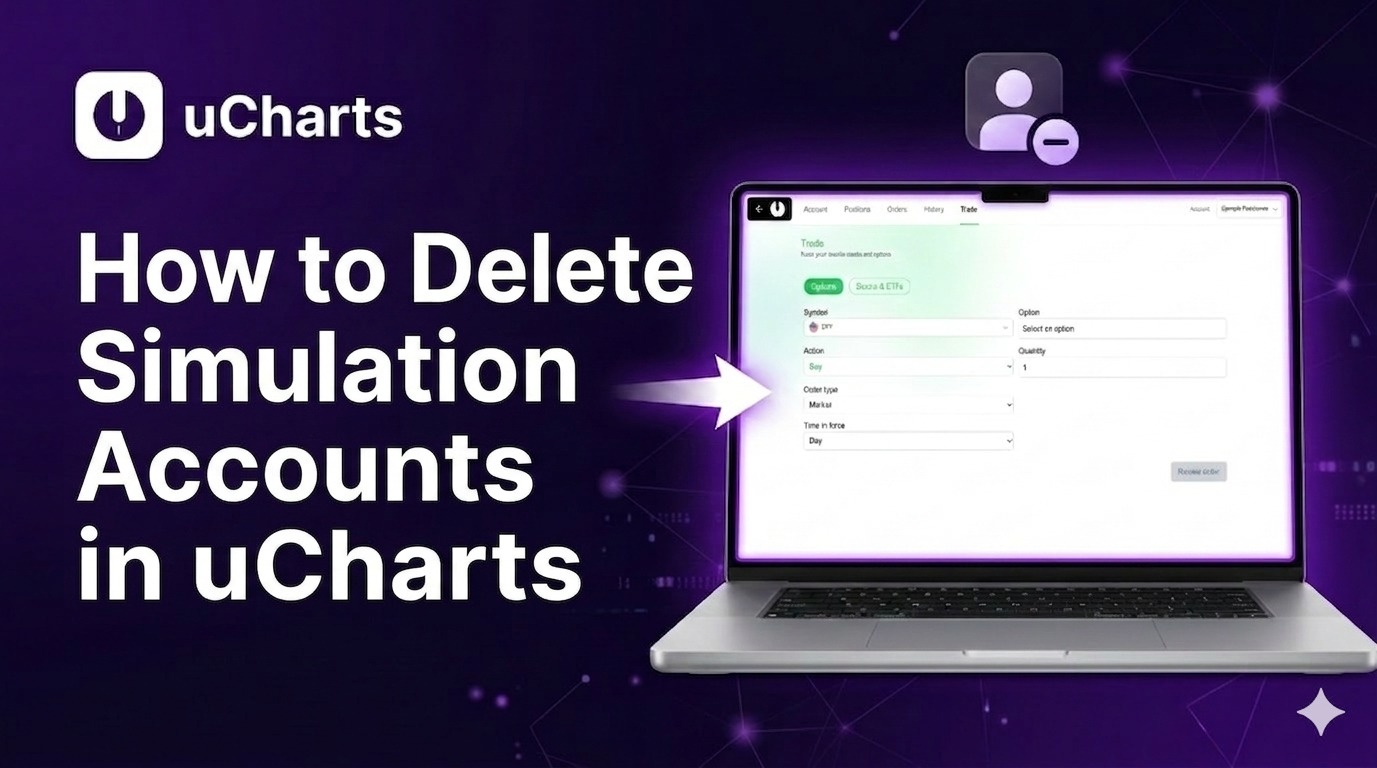
How to Delete Simulation Accounts in uCharts
Learn how to close practice accounts you no longer use and keep your dashboard clean and organized.
1 min read·Feb 18, 2026